Python Programming
0 EGP



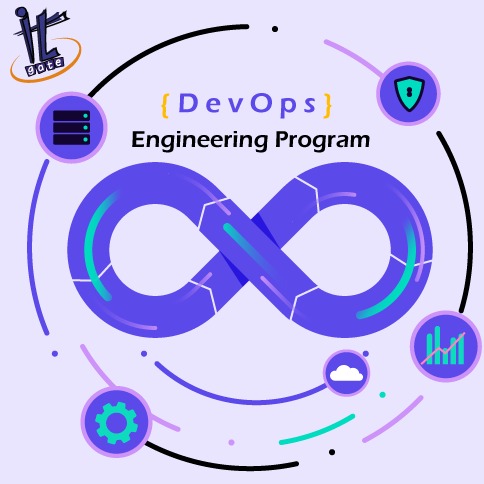
DevOps Model Defined
DevOps is defined as a combination of processes and tools created to facilitate organizations in delivering services and applications much faster than they can through conventional software development processes. It helps increase customers’ confidence in the applications that an organization offers, thereby allowing the company to flourish and achieve its business goals faster. How DevOps Works?
Under a DevOps model, development and operations teams are no longer “siloed.” Sometimes, these two teams are merged into a single team where the engineers work across the entire application lifecycle, from development and test to deployment to operations, and develop a range of skills not limited to a single function.
In some DevOps models, quality assurance and security teams may also become more tightly integrated with development and operations and throughout the application lifecycle. When security is the focus of everyone on a DevOps team, this is sometimes referred to as DevSecOps.
These teams use practices to automate processes that historically have been manual and slow. They use a technology stack and tooling which help them operate and evolve applications quickly and reliably. These tools also help engineers independently accomplish tasks (for example, deploying code or provisioning infrastructure) that normally would have required help from other teams, and this further increases a team’s velocity
Python is a general-purpose interpreted, interactive, object-oriented, and high-level programming language. /It was created by Guido van Rossum during 1985- 1990. Like Perl, Python source code is also available under the GNU General Public License (GPL). /This tutorial gives enough understanding on Python programming language.
Read More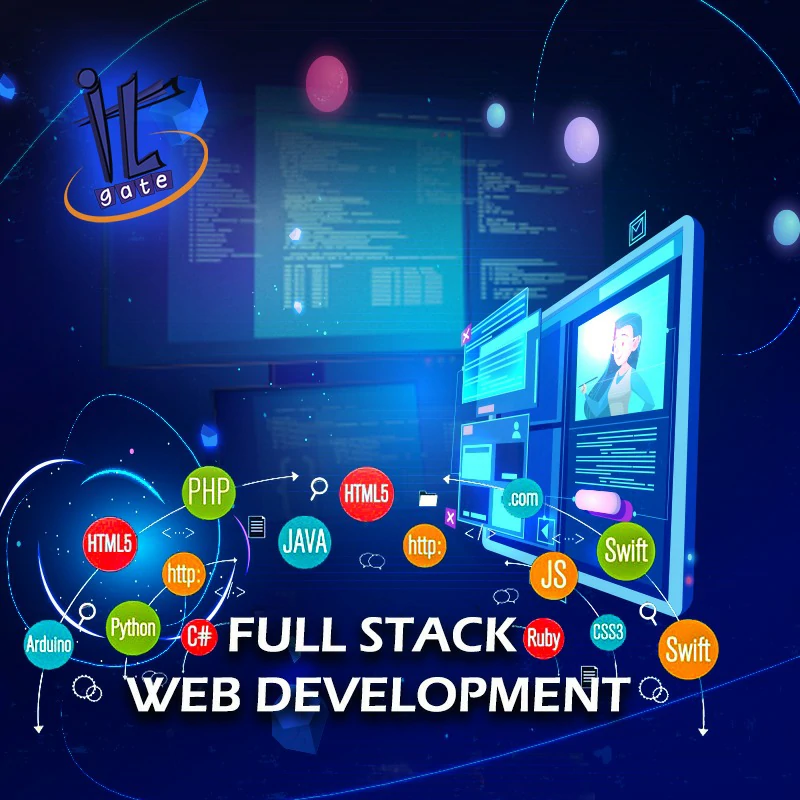
This course is designed to start you on a path toward future studies in web development and design, no matter how little experience or technical knowledge you currently have. The web is a very big place, and if you are the typical internet user, you probably visit several websites every day, whether for business, entertainment or education. But have you ever wondered how these websites actually work? How are they built? How do browsers, computers, and mobile devices interact with the web? What skills are necessary to build a website? With almost 1 billion websites now on the internet, the answers to these questions could be your first step toward a better understanding of the internet and developing a new set of internet skills. By the end of this course you’ll be able to describe the structure and functionality of the world wide web, create dynamic web pages using a combination of HTML, CSS, and JavaScript, apply essential programming language concepts when creating HTML forms, select an appropriate web hosting service, and publish your webpages for the world to see. Finally, you’ll be able to develop a working model for creating your own personal or business websites in the future and be fully prepared to take the next step in a more advanced web development or design course or specialization.
Read More
Web development process includes all the steps that are good to take to build an attractive, effective and responsive website. /These steps are shown in the following course./ Web development refers to building website and deploying on the web. /Web development requires use of scripting languages both at the server end as well as at client end.
Read More
Learn Dart Programming from scratch by Google. /Prepare yourself for Flutter apps for Android and iOS and developing Web apps using Dart programming language. / Dart is an object-oriented language which can optionally trans compile into JavaScript. It supports a varied range of programming aids like interfaces, classes, collections, generics, and optional typing. / Dart can be extensively used to create single-page web apps, Android and iOS apps. /Single-page applications enable navigation between different screens of the website without loading a different webpage in the browser.
Read More
In Adobe After Effects 101 course, participants will get in depth training on the industry standard tool for creating motion graphics, broadcast television and Hollywood style effects. /Participants will create compositions utilizing assets for a wide array of sources including video, Photoshop Files, Illustrator files, as well as other file types./ Participants will gain both a foundation for further After Effects learning and a more intuitive view of the program, its capabilities, and how to best employ it in your work
Read More
In this course, participants will learn the basic functions and tools to help them design and illustrate vector graphics in Adobe Illustrator. / The instructor will cover Artboards & Workspaces, an in-depth discussion with hands on practice of the Tool Palette and all its functions, using the Pen Tool, Live Paint, basic patterns, taking participants Illustrator designs from the computer to print and much more./ Participants will be able to create logos, professional type effects, complex airbrush effects and impressive designs that channel the artistic potential within
Read More
This course teaches students step-by-step the key techniques for working with InDesign CC (2019 Release). /The 15 project-based step-by-step lessons show users the key techniques for working in InDesign. /Designers will build a solid foundation of typographic, page layout, and document-construction skills that will enable them to produce a broad range of print and digital publications—from a simple postcard to an interactive Adobe PDF with form fields. /The real-world tasks in this comprehensive book are presented in an easy-to-follow, step-by-step format and are designed to train beginning Adobe InDesign users in the program—from fundamental features to powerful layout and output skills. / will also help experienced InDesign users elevate their skills, understand best practices, and learn about new feature
Read More.webp)
In Adobe Premiere 101 course participants will learn to bring video media to vibrant life, using this industry-leading video editing software! Participants will create projects, utilizing editing best practices, including but not limited to:/ three point editing, transitions, and adding audio-video effects. /Our instructors are seasoned industry professionals that will teach Participants more than just the program workings, they will cover common pit falls, best practices, and productivity shortcuts
Read More